

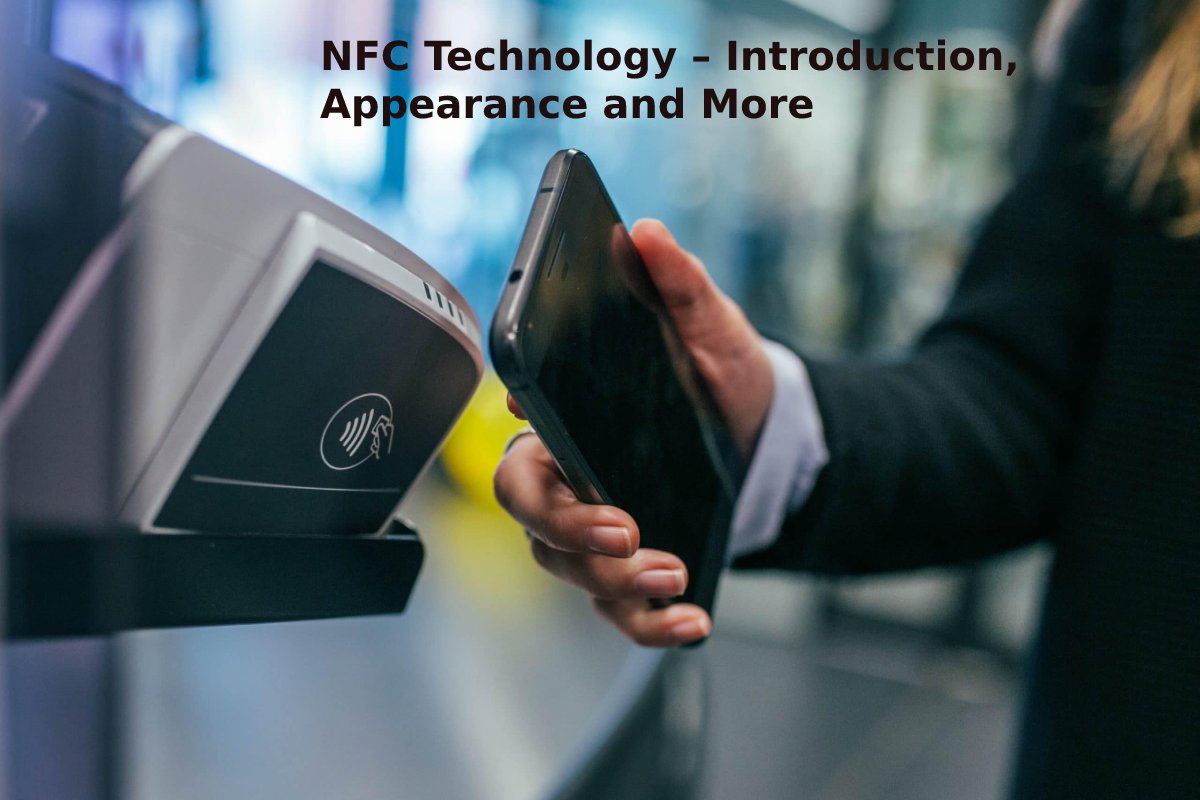
Imagine if your phone could talk to a poster, a toy, or a payment machine just by getting close—without needing the internet or typing anything! That’s exactly what NFC technology does.
NFC stands for Near Field Communication. It’s a special way for devices to share information when they are very close together, almost like they are giving each other a high-five (or a hug). If you’ve ever used your phone to pay for candy or tap a card to open a hotel door, you’ve used NFC!
Table of Contents
How NFC Technology Works
NFC works through a process called magnetic induction. Think of it like two walkie-talkies that only wake up when they are almost touching. One device (the reader) sends out a tiny burst of energy. When a second device (the tag or phone) gets within 4 centimeters, it catches that energy and uses it to power itself up and “talk” back. This all happens in less than one second. Unlike Bluetooth, there is no searching, pairing, or typing in passwords. You simply tap, the devices shake hands wirelessly, and the information—whether it is a payment, a website link, or a digital key—is transferred instantly.
Key Features of NFC Technology
| Feature | What It Means (Kid Version) |
| Short Range | It only works when devices are super close. This keeps the information safe. |
| No Wi-Fi Needed | It works even if your phone has no internet! It’s like a secret handshake. |
| Fast Connection | It takes less than a second to connect. Faster than tying your shoe! |
| Two-Way or One-Way | It can read information (like a scanner) or share information (like a digital business card). |
Types of NFC Communication Modes
There are three main ways NFC devices talk to each other:
| Mode | How It Works | Example |
| Reader/Writer Mode | Your phone acts like a scanner. It reads information from a smart poster or a sticker. | Tapping your phone on a NFC tag in a museum to hear facts about a dinosaur. |
| Peer-to-Peer Mode | Two active devices swap information with each other. | Tapping two phones together to share a photo, a game, or a contact. |
| Card Emulation Mode | Your phone pretends to be a plastic card (like a bus pass or credit card). | Holding your phone over a subway gate to pay for your ride. |
Uses of NFC Technology in Daily Life
You probably see NFC every day without even knowing it! Here are a few ways:
- Unlocking Doors: Hotel key cards and some house locks use NFC.
- Smart Posters: At a bus stop, you might tap your phone on a poster to see when the next bus arrives.
- Toys: Some action figures and toys have NFC built in. Tapping them on a tablet unlocks new levels or characters.
- Pet IDs: Some pet collars have NFC chips. If your pet gets lost, a vet can tap it to get your contact info.
NFC Technology in Mobile Payments
This is the most popular use of NFC. It turns your phone into a digital wallet.
Instead of giving cash or swiping a card, you just hold your phone near the machine. The two devices shake hands using NFC, and the payment is done in one second.
Popular apps that use this: Apple Pay, Google Pay, and Samsung Pay.
Benefits of NFC Technology
NFC is so popular because it is:
- Convenient: You don’t need to carry a heavy wallet full of cards.
- Fast: No waiting for apps to load. Just tap and go.
- Simple: You don’t need to pair devices like Bluetooth. Just tap.
Advantages and Disadvantages of NFC Technology
| Advantages (The Good Stuff) | Disadvantages (The Tricky Parts) |
| Very fast—faster than Bluetooth. | Very short range—you have to be super close. |
| Easy to use—no pairing or setup. | Slower data transfer—you can’t send movies with it. |
| Low battery use—doesn’t drain your phone. | Both devices need to have NFC chips (not all old phones have it). |
NFC vs RFID: What’s the Difference?
People often mix these up, but they are cousins, not twins.
| Feature | NFC | RFID |
| Range | Very short (4 cm). | Can be short or very long (up to 100 meters). |
| Two-Way? | Yes! Phones can read and send info. | Usually one-way (the reader reads the tag). |
| Use | Phone payments, sharing data. | Tracking products in stores, pet chips, toll road passes. |
Simple rule: If it works on your phone for payments, it’s usually NFC. If it’s used to track a package across a warehouse, it’s usually RFID.
Devices That Support NFC Technology
Not every gadget has NFC, but many do. Look for the NFC logo (it looks like a sideways “N” or a radio wave).
- Smartphones: Most Android phones and iPhones (from iPhone 6 and later) have it.
- Tablets: Many iPads and Android tablets.
- Wearables: Smartwatches like the Apple Watch.
- Payment Terminals: The machines where you tap your card.
- Tags: Small stickers you can buy and program yourself!
How Secure Is NFC Technology?
Very secure! Here is why kids and parents don’t need to worry:
- Close Range: A hacker would have to be standing right next to you (within 1.5 inches) to try to steal data. That’s very hard to do without you noticing.
- Encryption: When you make a payment, your real card number is never shared. The phone uses a secret, one-time code.
- Time Limit: You have to actively tap the device. You can’t accidentally pay just by walking near a machine.
How to Use NFC Technology on Smartphones
Want to try it? Here’s how most kids (with a parent’s help) can use NFC:
- Check if it’s ON: Go to Settings on your phone. Search for “NFC” or “Connection preferences.” Make sure the toggle is switched ON.
- Find a Tag: Look for an NFC tag. Sometimes it’s a sticker on a table at a restaurant, or a smart poster.
- Tap: Hold the back of your phone against the tag or device.
- Wait: Your phone will buzz or make a sound, and the action will start (like opening a website or app).
Common Applications of NFC Technology
| Category | Examples |
| Shopping | Paying for snacks, checking gift card balances. |
| Travel | Tapping onto subways, buses, or trains. |
| Home | Automating lights—tap a sticker by your bed to turn off the lamp. |
| Gaming | Nintendo Amiibo figures use NFC to save data and unlock characters. |
| Healthcare | Tracking medicine schedules or patient wristbands in hospitals. |
Future of NFC Technology
NFC is getting even cooler! Here’s what’s coming next:
- Charging: Scientists are working on “NFC wireless charging.” Soon, you might tap your headphones on your phone to charge them without wires!
- Digital ID: Instead of a school ID card, you’ll tap your phone to check into class or the library.
- Smarter Homes: Tapping your phone on the fridge to see what’s inside, or on the washer to start a load.
Final Thoughts on NFC Technology
NFC is like a magic bridge between the real world and your phone. It’s fast, safe, and makes boring tasks (like paying or unlocking doors) feel like a fun video game action.
The next time you tap your phone to pay for a pizza or tap a card to open a door, you’ll know exactly what’s happening: a tiny, invisible conversation happening just inches away, making your life a little easier.
FAQs About NFC Technology
- Does NFC use the internet?
No, it does not! NFC works without Wi-Fi or mobile data. The two devices communicate using radio waves, just like a walkie-talkie. This means you can tap to pay or share information even if your phone is in airplane mode. However, if the NFC action opens a website or an app, that app might need the internet afterward.
- Can NFC drain my phone’s battery?
Very little. NFC uses such a tiny amount of power that you will hardly notice it. In fact, some NFC tags (like the ones in bus passes or posters) don’t need any battery at all! They get enough power from the phone or reader when they are tapped. So you can leave NFC on all day without worrying about your battery dying.
- Is it safe to use NFC for payments?
Yes, it is very safe. There are two big reasons why:
Short range: A hacker would have to be almost touching you to steal the signal, which is very hard to do without you knowing.
Secret codes: When you pay, your phone does not send your actual card number. Instead, it sends a unique, one-time secret code. Even if someone intercepted it, they could not use it again.
- Do all phones have NFC?
Not all, but most new ones do.
Most Android phones made in the last few years have NFC. You can check by going to Settings and searching for “NFC.”
iPhones from the iPhone 6 and newer have NFC, but older models may only use it for payments, not for reading tags.
If you are unsure, look for the NFC logo (a sideways “N”) on your phone or ask a parent to help check.
- Can two phones share anything using NFC?
They can share small things, not big files. NFC is great for sharing:
- Photos (one at a time)
- Contacts (phone numbers)
- Website links
- App downloads
For large files like movies or lots of photos, phones usually use NFC to start the connection, then switch to Bluetooth to finish the transfer. So NFC acts like a handshake, and Bluetooth does the heavy lifting.